
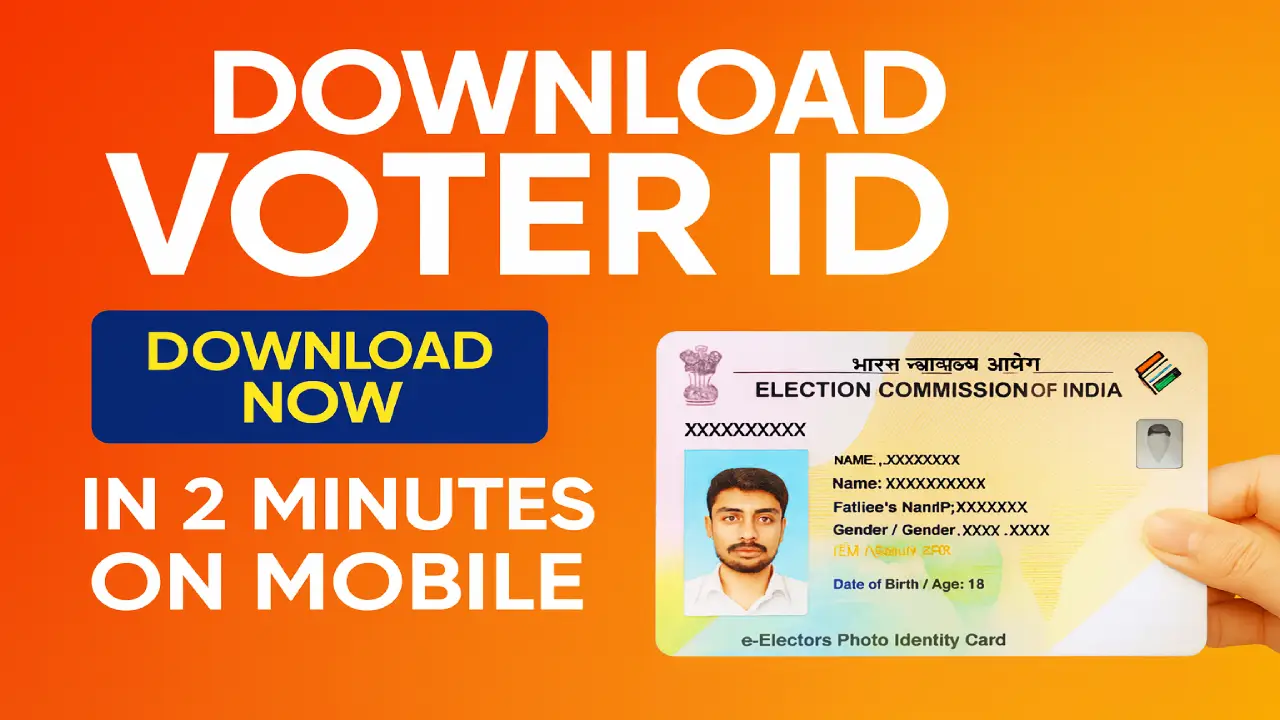
Download Your Voter Card : In today’s digital age, downloading your voter card has become incredibly easy, thanks to the Election Commission of India’s digital initiative. Whether you have lost your voter ID or simply want a digital copy, the “Voter Helpline” mobile app offers a hassle-free way to access your e-EPIC instantly.
Simple Steps to Download Your Voter Card
First, download the “Voter Helpline” app from the Play Store. After registering your mobile number and entering the OTP for verification, you can log in and select “Download e-EPIC” from the home page. This will initiate the process to fetch your voter ID in digital format.
Read Also : Aadhaar Name Change 2025: Update Your Name Twice Only-New UIDAI Rules Explained
Three Methods to Retrieve Your Voter Card
The app provides three options for downloading your card. You can use your EPIC number found on your existing voter ID. If you don’t have your EPIC number, the reference number received during your initial registration works just as well. Alternatively, you can search by filling in details like your name, address, and mobile number.
Important Condition for Mobile Number Verification
A crucial requirement for this process is that your mobile number must be linked to your voter ID. The app sends an OTP to the registered phone for verification. Without this link, you won’t be able to download the voter card. In such cases, update your mobile number by submitting Form 8 before proceeding.
Valid and Government-Approved Digital Voter ID
Once your mobile number is verified, you’ll be able to download a digital copy of your voter card styled like a PVC card. This e-EPIC is a valid government document and can be used for all electoral and identification purposes.
Read Also : Maharashtra Extends e KYC Deadline for Majhi Ladki Bahin Yojana to 31 December 2025
FAQs on Downloading Voter Card
How long does it take to download the voter card?
The entire process takes just a few minutes once you verify your mobile number through OTP.
What if my mobile number is not linked with my voter ID?
You must update your mobile number first by submitting Form 8; only then can you download the voter card digitally.
Is the digital voter card accepted everywhere?
Yes, the e-EPIC downloaded through the app is a government-approved ID and can be used during elections and for identification.
