
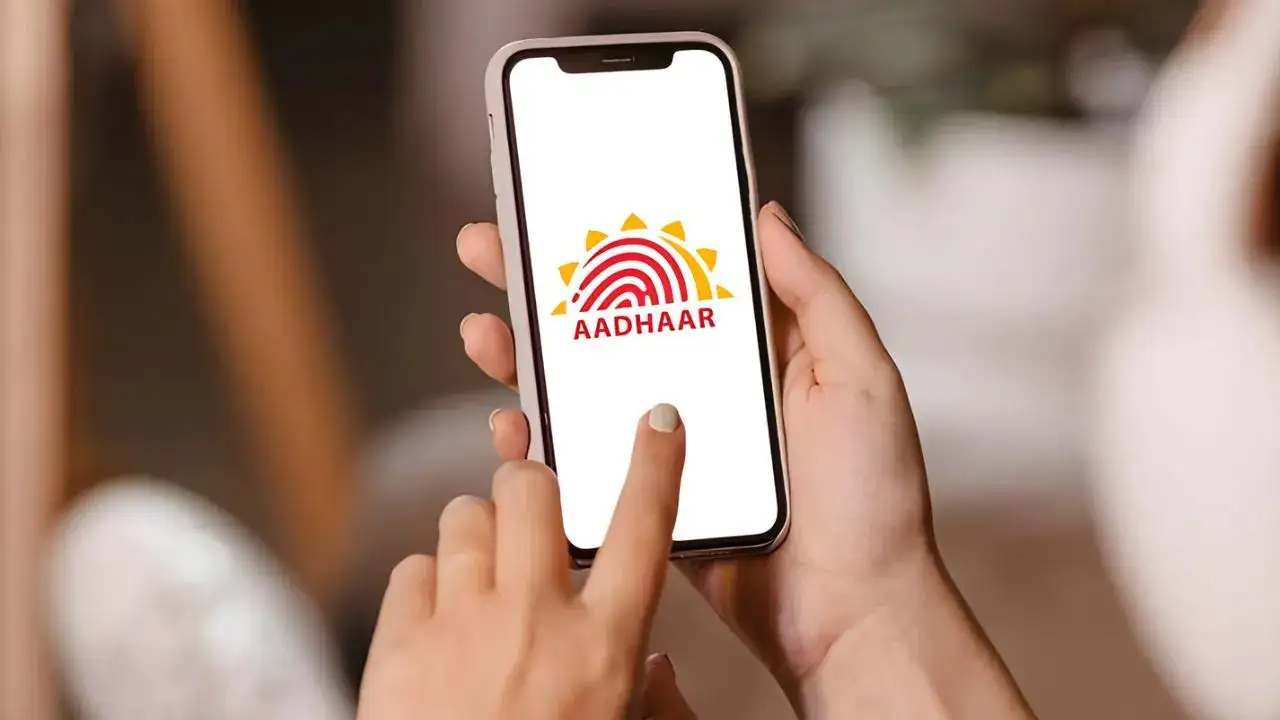
Aadhaar App: The UIDAI’s new Aadhaar app brings your identity to your smartphone safe, fast, and paperless. Say goodbye to physical cards and hello to digital security and ease.
Aadhaar App: A Digital Step Toward Secure Identity
The Aadhaar card plays a crucial role in every Indian’s life. From verifying your date of birth and address to opening a bank account, it’s a key identity document. But carrying the physical card everywhere can be risky. To solve this, the Unique Identification Authority of India (UIDAI) has launched the Aadhaar App, a secure digital alternative that stores your Aadhaar details right on your smartphone.
This innovation eliminates the need to carry a physical card, offering safe and instant access whenever you need it.
Key Security Features of the Aadhaar App
The app comes with next-gen security tools like facial recognition, biometric locks, and QR-based verification, ensuring your information remains protected. You can also manage Aadhaar profiles of up to five family members linked to one mobile number, making it a one-stop solution for households.
Also Read: Babar Azam Becomes Fastest Pakistani to Reach 15,000 International Runs
How to Download and Set Up the Aadhaar App
Step 1: Go to the Google Play Store (Android) or Apple App Store (iOS) and search for “Aadhaar App.” Download and install it on your device.
Step 2: Open the app, select your preferred language, and enter your 12-digit Aadhaar number.
Step 3: Enter the OTP sent to your registered mobile number for verification.
Step 4: Complete the face scan to confirm your identity.
Step 5: Set a six-digit security PIN to lock and protect your Aadhaar profile.
Once set up, you can view or share your Aadhaar digitally, choosing to display only specific details such as your name and photo or your full details when needed.
Top Features You’ll Love
1. Multi-Profile Management
Add Aadhaar cards for up to five family members under one mobile number. It’s ideal for families who want all identity details accessible in one app.
2. Biometric Security Lock
Activate biometric authentication to prevent unauthorized access or misuse. Only you can unlock and share your Aadhaar information.
3. Selective Data Sharing & QR Code Verification
Protect your privacy by choosing what to share – name, photo, or full details. Generate or scan QR codes for instant identity verification at banks, offices, or government counters.
4. Offline Access Mode
Even without internet, your saved Aadhaar details remain available on your phone. Full feature use, however, requires an online connection.
5. Usage History Tracker
Stay informed with the app’s activity log that records when and where your Aadhaar was used—ensuring complete transparency and security.
Why Every Indian Should Try the Aadhaar App
With digital India advancing rapidly, the Aadhaar app is a major step toward convenience and data security. It simplifies verification, protects personal information, and supports paperless transactions. Download it today and make your identity management effortless and secure.
